1. On the home page with a CWA notification on the landing page. |
2. Acknowledge the CWA notification, you will need to go to your emails to acknowledge the notification. Once acknowledged, the Parent app homepage appears |
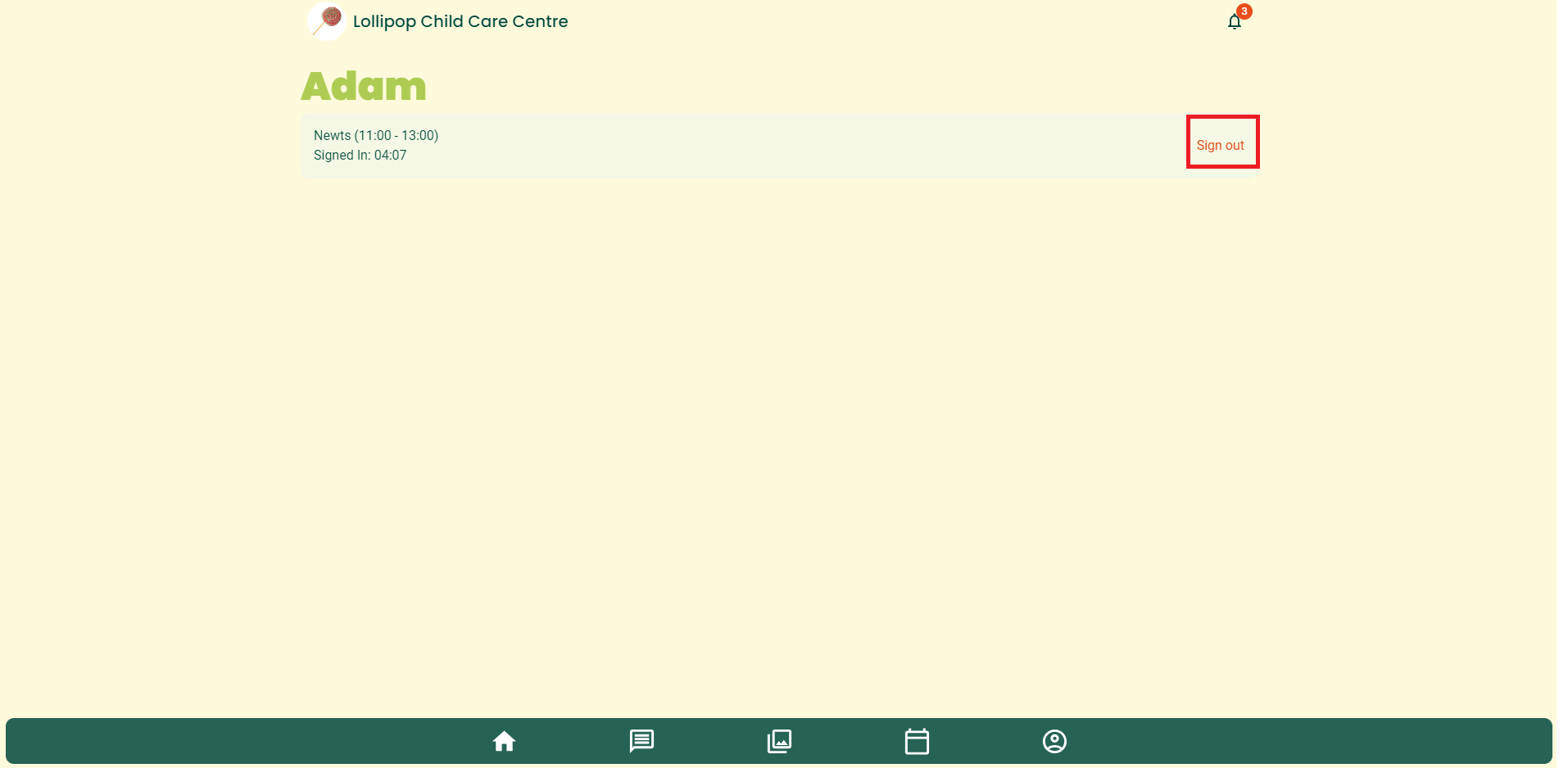
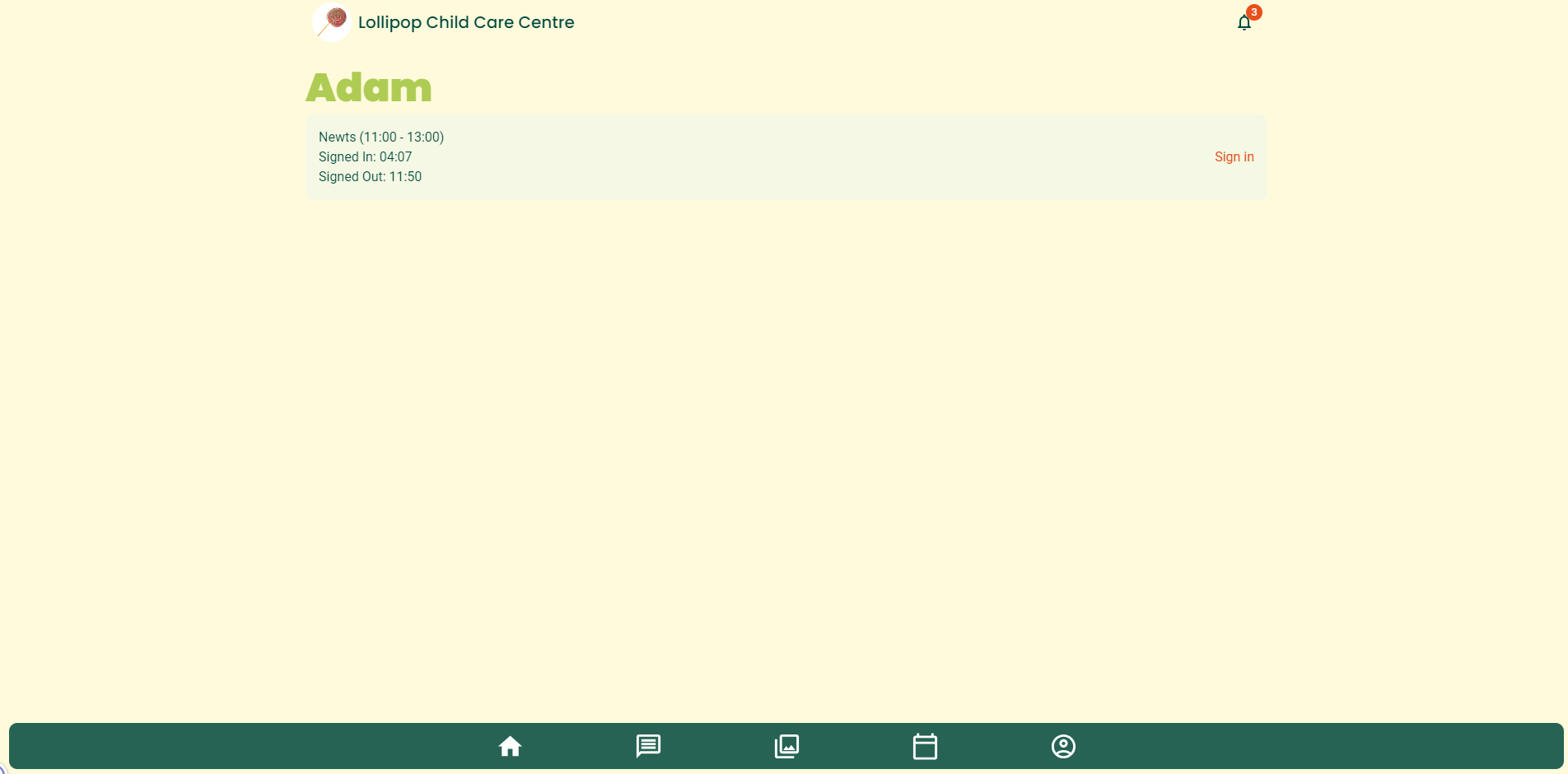
If the child is enrolled in a current session, the SIGN IN/ SIGN OUT button and the child's details appear. If it prompts for the Service code, enter the characters found under the QR code in the kiosk. |
|
3. Click SIGN IN to continue |
|
Was this article helpful?
That’s Great!
Thank you for your feedback
Sorry! We couldn't be helpful
Thank you for your feedback
Feedback sent
We appreciate your effort and will try to fix the article